Pre-order
Pre-sale Order Mapping Maintenance
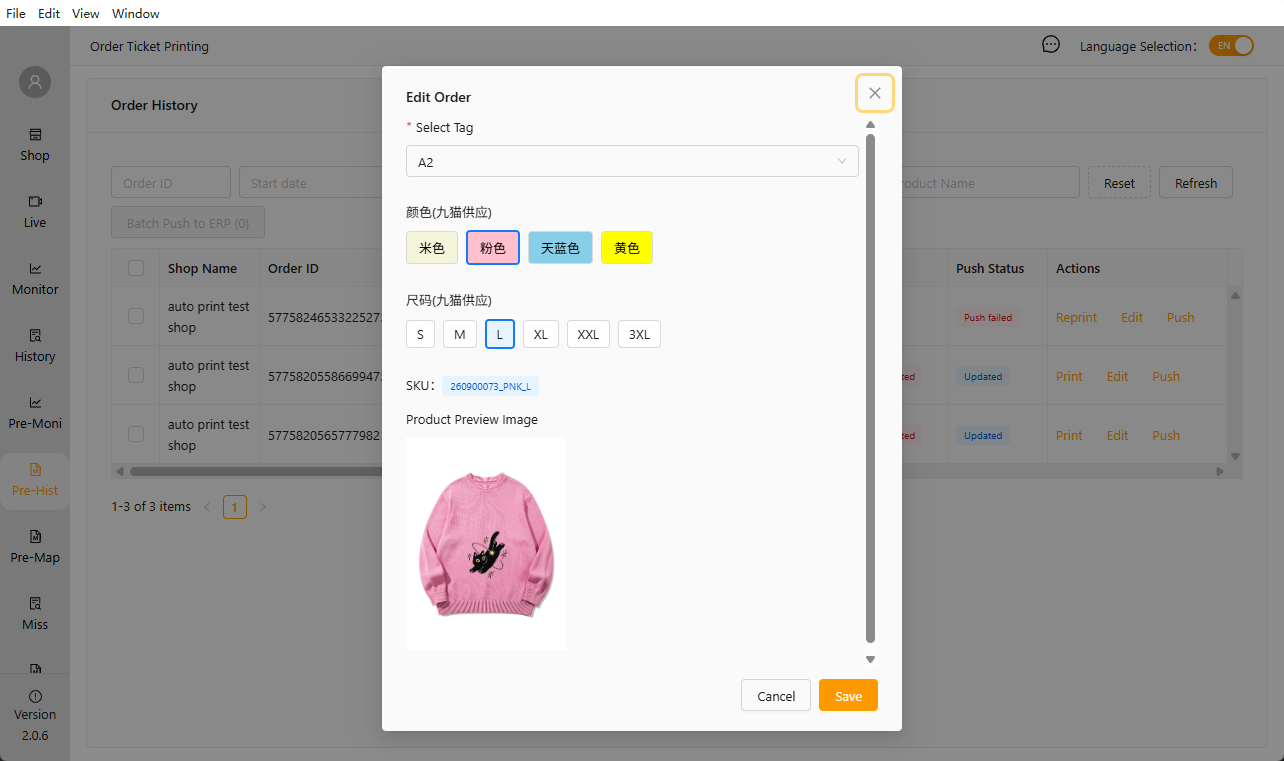
To update SKU information for pre-sale orders, you need to maintain the mapping relationship between tags and SPUs in the ERP. When editing orders later, you can directly select a tag to bind it to the corresponding product’s SKU.
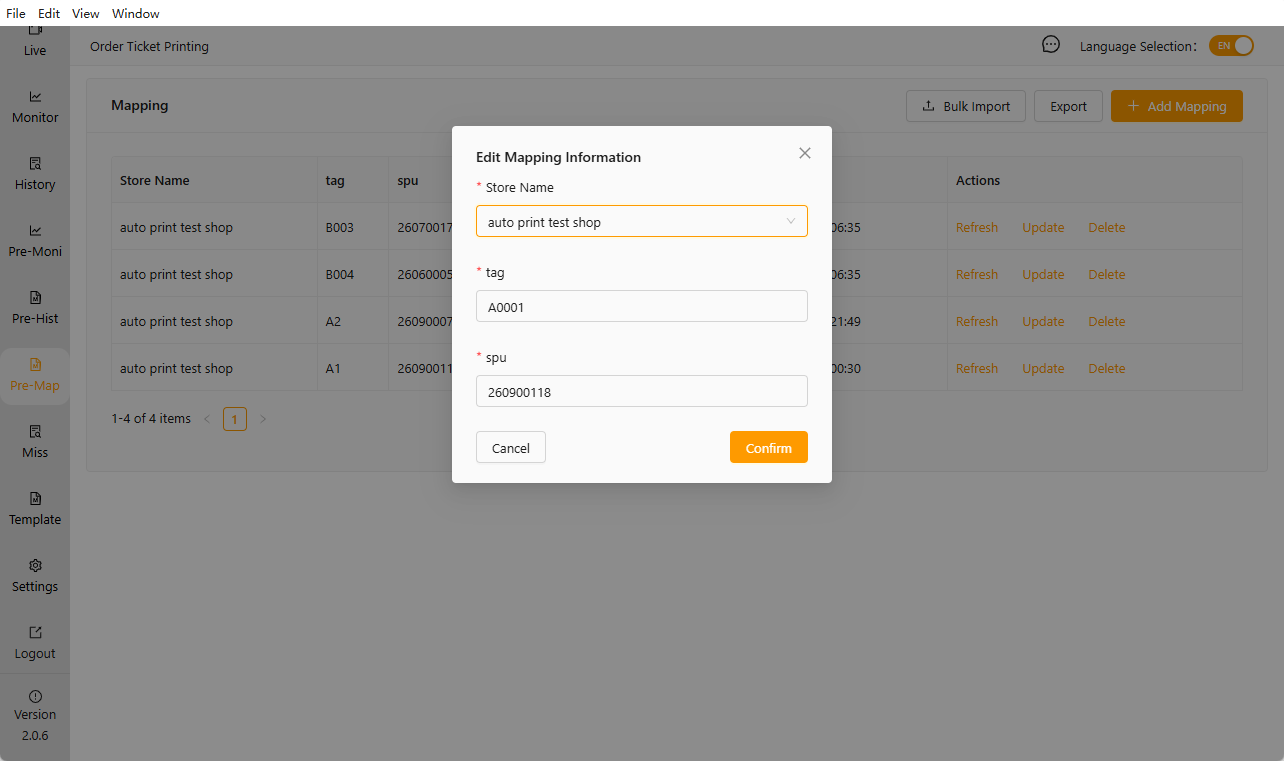
If the product attributes corresponding to an ERP SPU are updated, you can use the [Refresh] button to update the corresponding information.
Pre-sale Real-time Orders
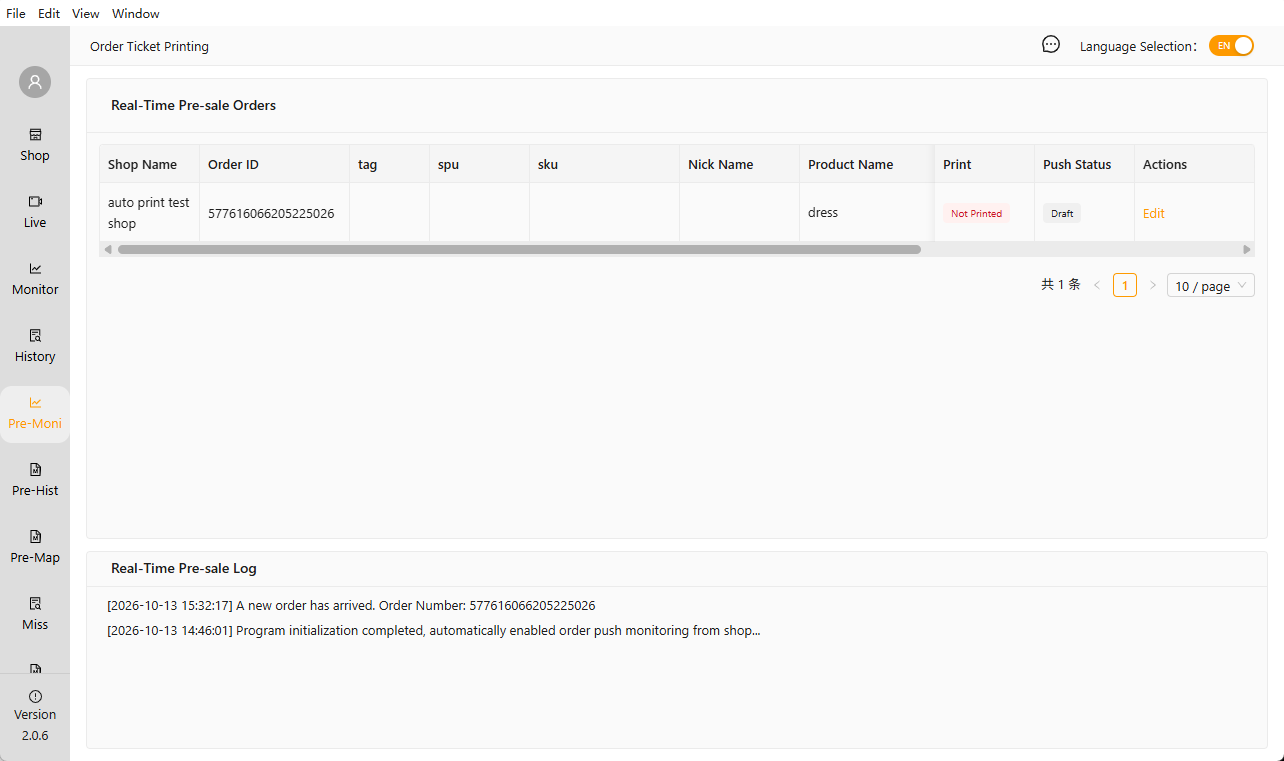
Real-time orders display orders from live streams currently linked to and active for the current account.
Pre-sale Historical Orders
The Historical Orders section displays all past orders from live streams linked to the current account. These orders can be reprinted and edited.
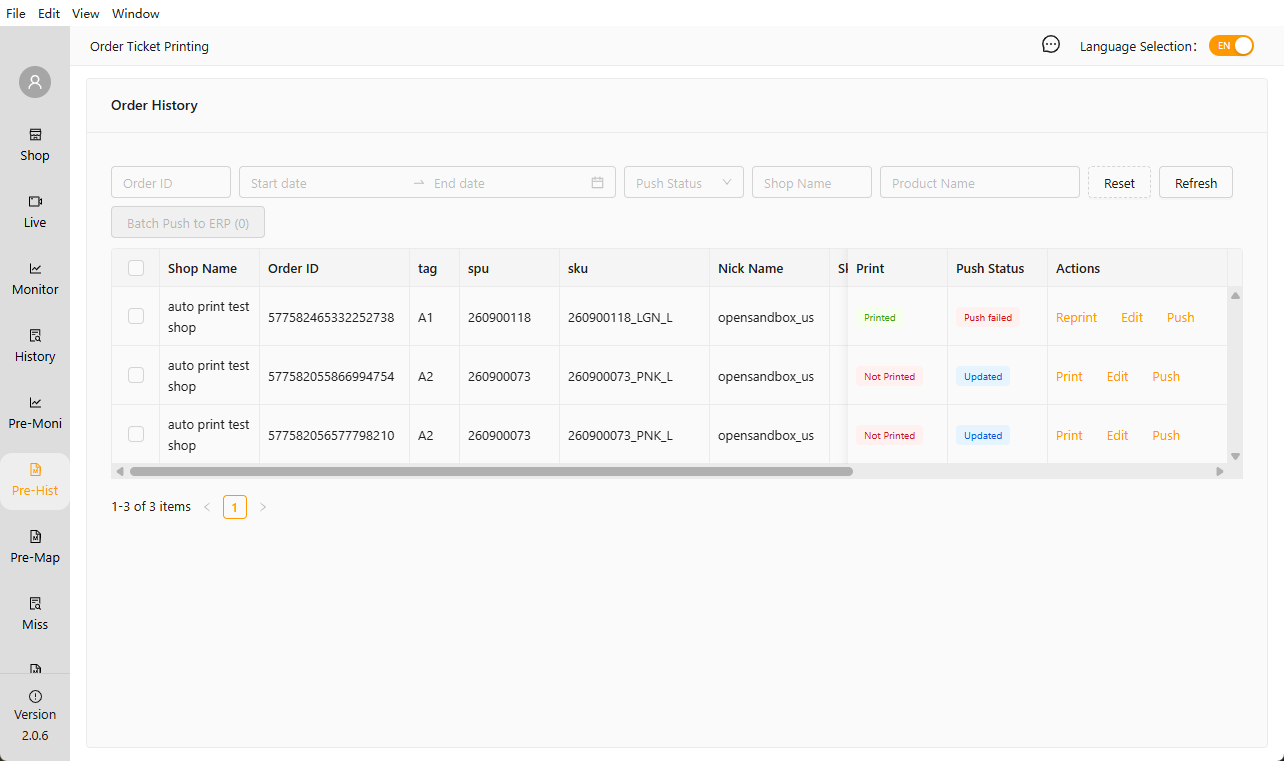
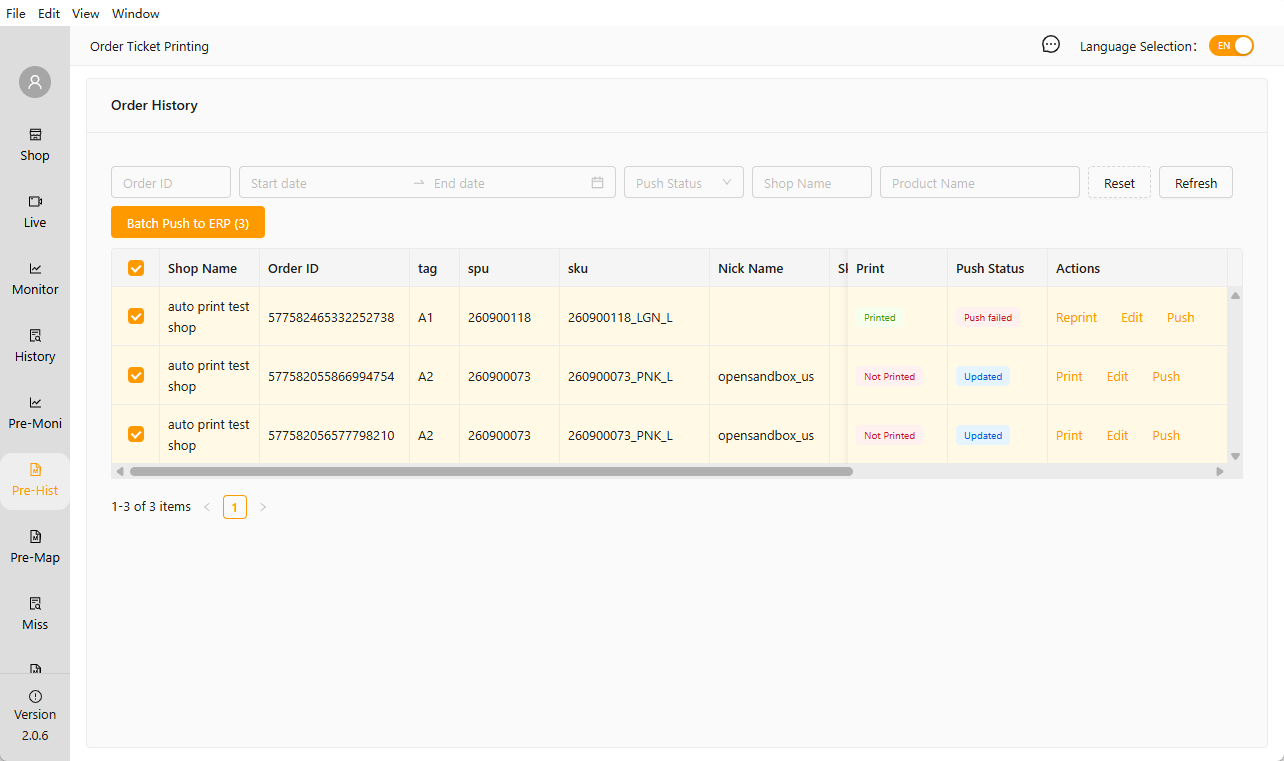
For pre-sale orders, you can edit the current order’s SKU information instantly in the Real-Time Orders section or supplement order details in the Historical Orders section. You can also select all orders and push them to an authorized ERP system.
Order Push: Orders in draft status and those that have already been successfully pushed will not be sent to the ERP. Only orders that have been fully edited and those that previously failed to push can be sent. When “Select All” is chosen, the system will automatically filter the orders in the background; no customer action is required. Please note the page prompt once the push is complete.